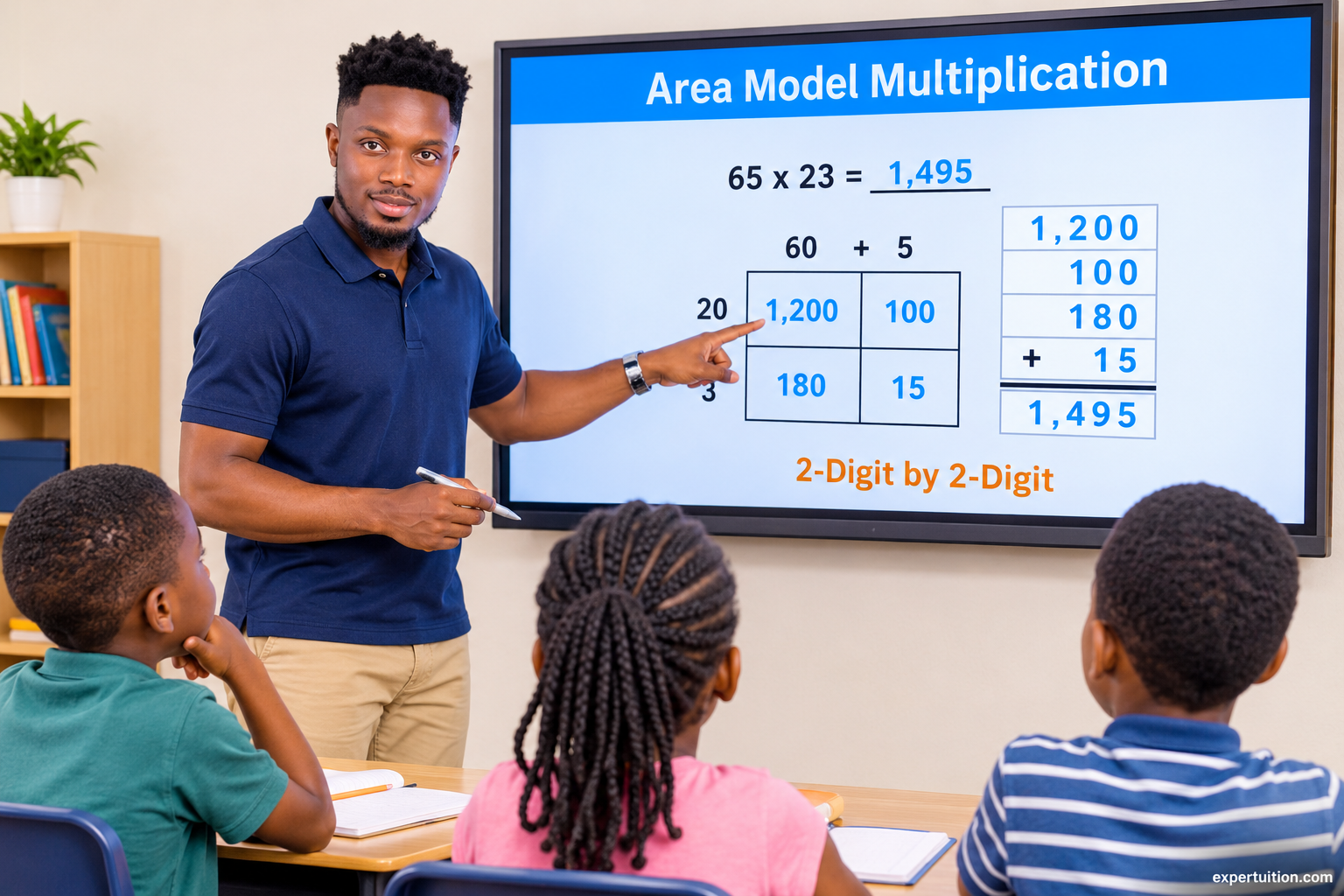
Learn how the area model multiplication method works, from breaking apart factors and finding partial products to understanding why the method gives the correct answer. Explore step-by-step examples, common errors, and ways to address them.
What Is the Area Model Multiplication Method?
The area model is a multiplication strategy that uses a rectangle to show how numbers can be broken apart and multiplied in smaller parts. Instead of multiplying the factors directly, students break them into place-value parts, calculate the area of each smaller rectangle, and add the results to find the product.
The method helps students understand how place value and the distributive property work together in multi-digit multiplication.
The Role of Place Value and the Distributive Property
The area model relies on place value and the distributive property of multiplication.
Place value allows numbers to be broken into expanded form. For example, 65 = 60 + 5, while 23 = 20 + 3.
The distributive property allows each part to be multiplied separately, and the resulting products are added to find the total.
In the area model, each smaller rectangle represents one multiplication of the expanded parts. Adding the areas of all the smaller rectangles gives the area of the entire rectangle, which is the product of the original factors.
How to Multiply Using the Area Model
To multiply using the area model, follow these steps:
- Break the factors into their place-value parts where needed.
- Draw a rectangle and divide it into smaller sections.
- Write the expanded parts of each factor along the top and side of the rectangle.
- Multiply the numbers in each section to find the partial products.
- Add the partial products to find the final product.
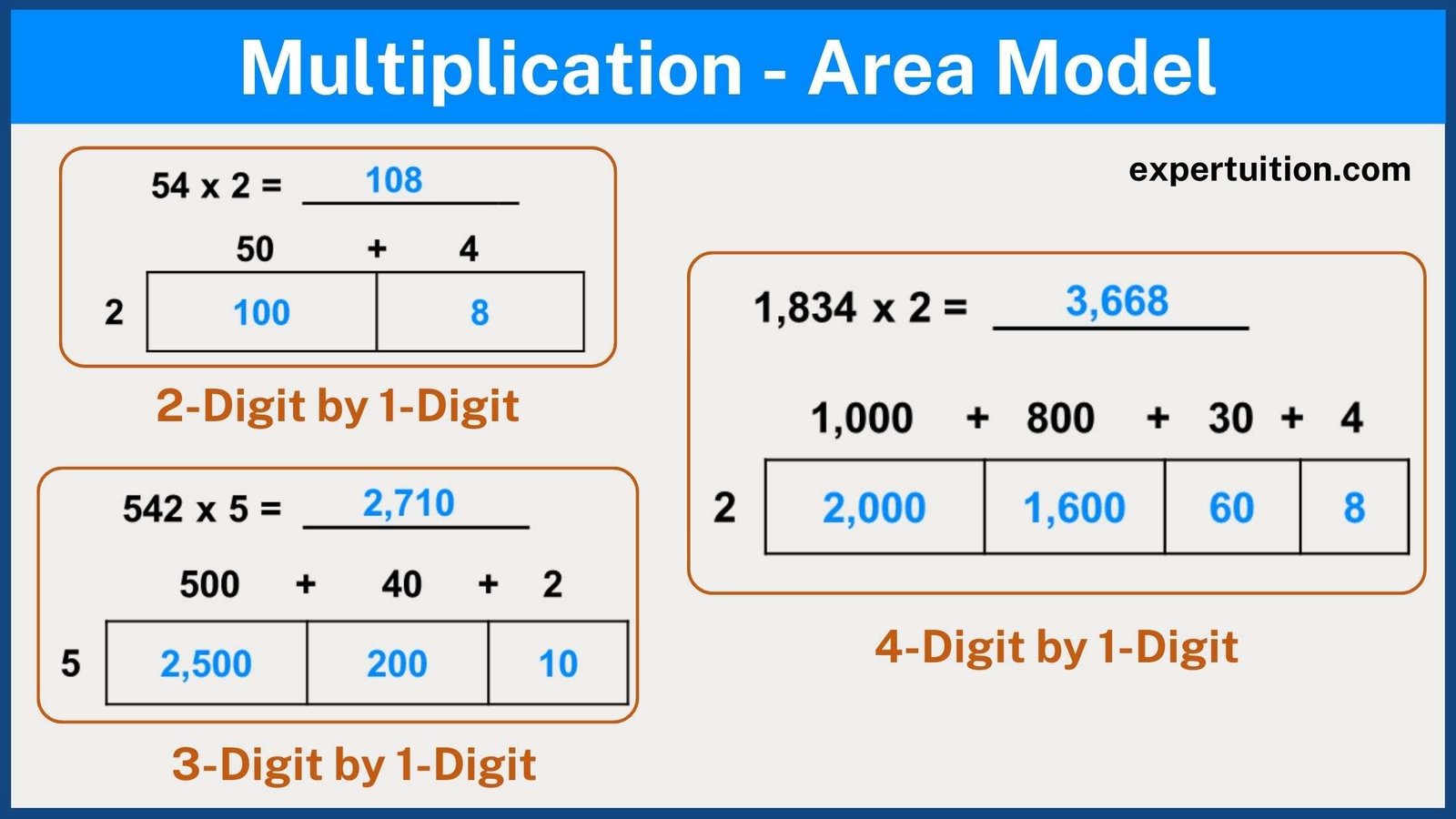
Example 1: Multiply 54 × 2
First, break 54 into its place-value parts:
54 = 50 + 4
Draw a rectangle with two sections. Label the sections 50 and 4, and write 2 along the side.
Find the area of each section:
- 2 × 50 = 100
- 2 × 4 = 8
Add the partial products:
100 + 8 = 108
Therefore, 54 × 2 = 108.
Example 2: Multiply 65 × 23
Break each factor into its place-value parts:
65 = 60 + 5
23 = 20 + 3
Draw a rectangle and divide it into four smaller rectangles. Label the top with 60 and 5, and the side with 20 and 3.
Each smaller rectangle represents the product of the two labels that meet at that section. Multiply the corresponding numbers to find each partial product:
- 20 × 60 = 1,200
- 20 × 5 = 100
- 3 × 60 = 180
- 3 × 5 = 15
Add the partial products:
1,200 + 100 + 180 + 15 = 1,495
Therefore, 65 × 23 = 1,495.

Example 3: Multiply 2,346 × 3
Break 2,346 into its place-value parts:
2,346 = 2,000 + 300 + 40 + 6
Draw a rectangle and divide it into four sections. Label the sections with 2,000, 300, 40, and 6, and write 3 along the side.
Find the area of each section:
- 3 × 2,000 = 6,000
- 3 × 300 = 900
- 3 × 40 = 120
- 3 × 6 = 18
Add the partial products:
6,000 + 900 + 120 + 18 = 7,038
Therefore, 2,346 × 3 = 7,038.
Why Does the Area Model Give the Correct Answer?
The area model gives the correct answer because it accounts for every place-value part of the original factors.
In an area model, the original factors represent the length and width of the complete rectangle, and their product represents its total area. Dividing the rectangle into smaller sections does not change its overall area; it simply shows how the total can be found by adding the areas of the smaller rectangles.
For example, when multiplying 65 × 23, the expanded factors are 60 + 5 and 20 + 3. Multiplying each part gives:
(60 × 20) + (60 × 3) + (5 × 20) + (5 × 3)
Each smaller rectangle represents one of these products. Adding all four areas gives the same result as multiplying 65 × 23 directly.
This demonstrates the distributive property: breaking the factors into smaller parts does not change the product. It simply provides a way to calculate it in smaller steps.
Common Errors When Using the Area Model
Errors can occur when breaking apart factors, setting up the rectangle, or calculating the partial products. Here are some common mistakes and ways to address them.
1. Breaking Numbers Into Incorrect Place-Value Parts
Students may write 65 as 6 + 5 instead of 60 + 5.
How to address it: Have students write each factor in expanded form before drawing the rectangle. Reinforce the value represented by each digit.
2. Placing the Numbers in the Wrong Sections
Students may label the rectangle incorrectly, resulting in multiplication problems that do not represent the original factors.
How to address it: Have students label the expanded parts along the top and side before calculating. Check that each section represents one combination of the two factors.
3. Leaving Out a Section
When multiplying two two-digit numbers, students may calculate only three of the four partial products.
How to address it: Have students check that every combination of the expanded parts has its own section in the rectangle.
4. Calculating a Partial Product Incorrectly
Students may multiply the digits without considering their place values. For example, they may calculate 3 × 60 as 18 instead of 180.
How to address it: Remind students to multiply the actual values of the numbers in each section. Reinforce that 60 represents six tens, not simply 6.
5. Adding the Partial Products Incorrectly
Students may calculate all the partial products correctly but make an error when adding them.
How to address it: Encourage students to align the numbers by place value when adding. They can also estimate the product to check whether their answer is reasonable.
Area Model Multiplication Worksheets
For additional practice, explore my Area Model Multiplication Worksheets Bundle or browse my Area Model Multiplication Worksheets Collection for individual worksheet sets.
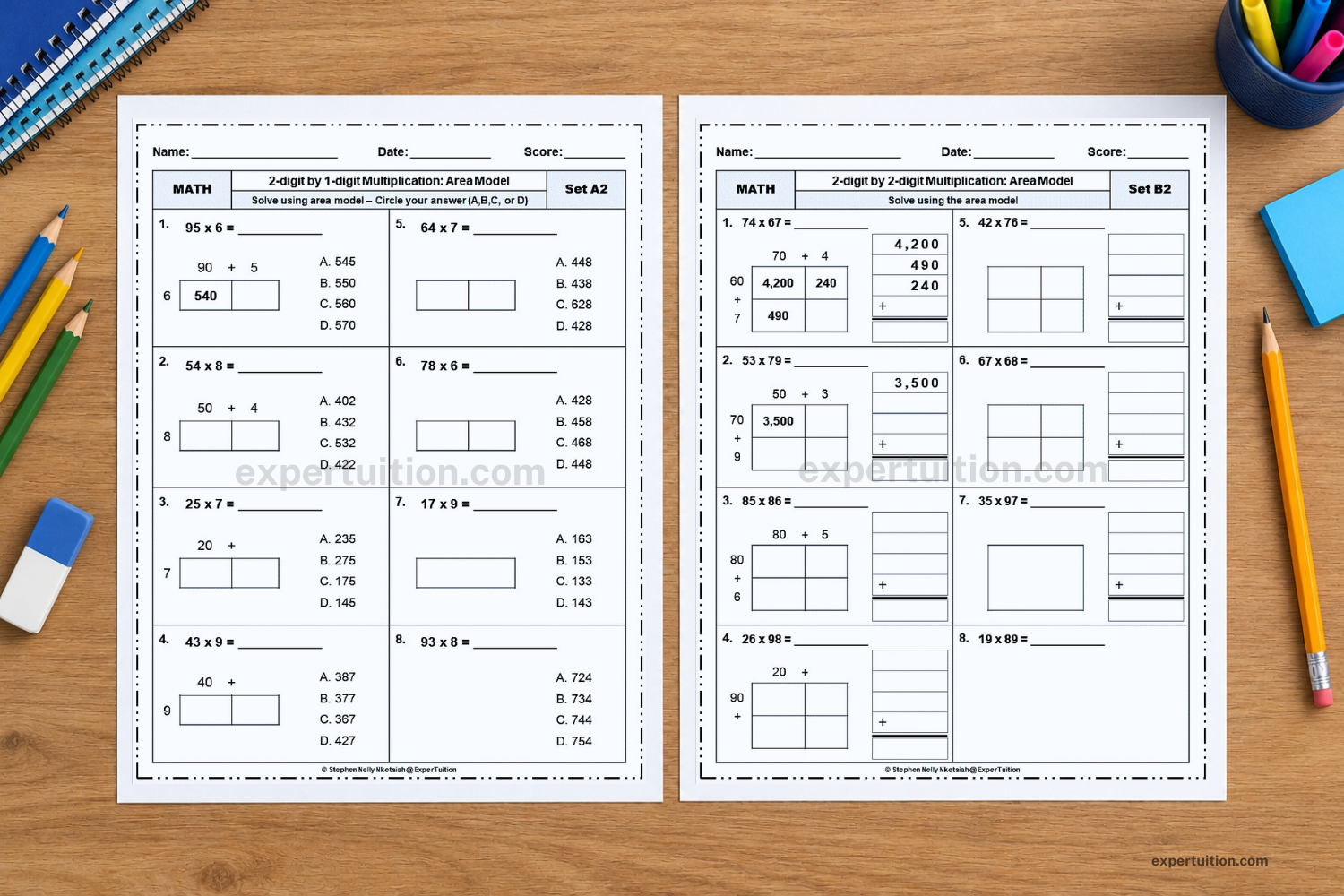
Choose worksheets based on the factor combinations students are practicing. For example, use 2-digit by 1-digit worksheets to practice breaking apart one factor, then 2-digit by 2-digit worksheets to practice finding all four partial products using an area model.
For help comparing multiplication worksheets and bundles by method, factor size, and other features, and choosing the resources that best fit your classroom, see Multiplication Worksheets for Grades 4–5.
Understanding Area Model Multiplication
The area model helps students understand multi-digit multiplication by showing how each place-value part contributes to the final product. As students calculate the smaller areas and combine them, they see how the distributive property connects the expanded factors to the complete multiplication problem.